

Claude-code: Khi Terminal trở thành cộng sự AI thực thụ của Developer 🖥️
Terminal của bạn sắp không còn "câm lặng" nữa!
Nếu bạn là developer, chắc hẳn bạn đã quen với việc switch qua lại giữa terminal, IDE, và trình duyệt để tìm kiếm docs hoặc debug. Nhưng nếu mình nói với bạn rằng giờ đây terminal có thể "hiểu" toàn bộ codebase và giúp bạn giải quyết mọi thứ ngay tại đó thì sao? 🤯
Đó chính là những gì Claude-code từ Anthropic mang lại! Let's dive in! 🚀
Trong bài này, bạn sẽ khám phá:
- ✅ Claude-code là gì và khác biệt với AI tools khác ra sao
- ✅ Các tính năng killer khiến developers mê mẩn
- ✅ Cách bắt đầu sử dụng ngay hôm nay
📌 Claude-code là gì?
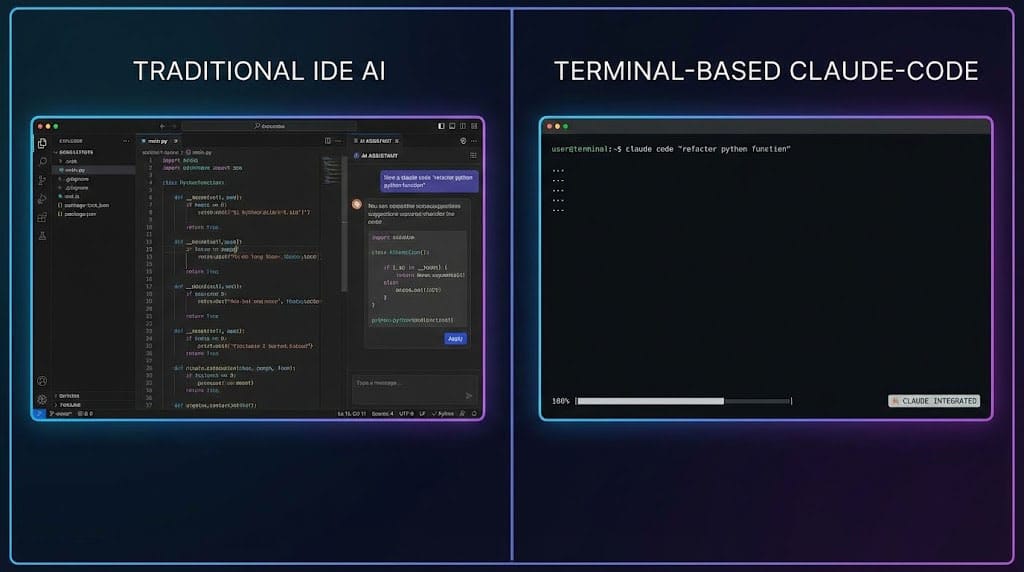
Claude-code là một AI coding assistant chạy trực tiếp trong Command Line Interface (CLI) – không phải extension IDE, không phải web app, mà là một native terminal experience.
Điểm khác biệt cốt lõi
| AI Tools truyền thống | Claude-code |
|---|---|
| Chạy trong browser/IDE | Native CLI |
| Xem từng file riêng lẻ | Full-repo context |
| Copy-paste code | Direct file editing |
| Hướng dẫn dùng Git | Tự thực hiện Git commands |
Key insight: Đây không phải là "ChatGPT trong terminal" – Claude-code được thiết kế từ đầu như một developer tool, không phải chatbot.
💡 5 Tính năng Killer của Claude-code
1. Full-Repo Context Understanding 🧠
Đây là tính năng mình ấn tượng nhất! Claude-code không chỉ nhìn file bạn đang mở – nó hiểu toàn bộ codebase.
# Ví dụ: Hỏi về architecture
claude-code "Giải thích flow authentication trong project này"

# Claude-code sẽ:
# - Scan tất cả files liên quan
# - Trace từ route → controller → service → model
# - Trả về giải thích cụ thể cho PROJECT CỦA BẠN
Tại sao điều này quan trọng?
- Không cần giải thích context mỗi lần
- AI hiểu conventions riêng của team bạn
- Suggestions phù hợp với codebase thực tế
2. Intelligent Git Automation 🔄
Mệt mỏi với việc nhớ Git commands phức tạp? Claude-code xử lý hết:
- Smart commits: Tự tạo commit messages có ý nghĩa
- Branch management: Tạo, merge, rebase một cách thông minh
- Conflict resolution: Hỗ trợ giải quyết merge conflicts
# Thay vì nhớ cú pháp
claude-code "Tạo branch mới cho feature login, commit những thay đổi với message phù hợp"

# Nó sẽ thực hiện:
# git checkout -b feature/login
# git add .
# git commit -m "feat(auth): implement user login flow with JWT tokens"
3. Instant Bug Detection & Fixing 🐛
Đây là lúc Claude-code thực sự tỏa sáng:
claude-code "Tại sao API endpoint /users bị lỗi 500?"

# Claude-code sẽ:
# 1. Phân tích logs và error traces
# 2. Tìm root cause trong code
# 3. Đề xuất (hoặc trực tiếp apply) fix
Mình đã test với một số scenarios:
- Null pointer exceptions → Fixed trong 30 giây
- Race conditions → Identified và suggested fixes
- Memory leaks → Pointed out exact lines
4. Multi-file Refactoring ♻️
Refactor không còn đáng sợ:
claude-code "Rename class UserController thành AuthController và update tất cả references"
Claude-code sẽ:
- Tìm tất cả files sử dụng class này
- Update imports, references, tests
- Tạo một commit with all changes
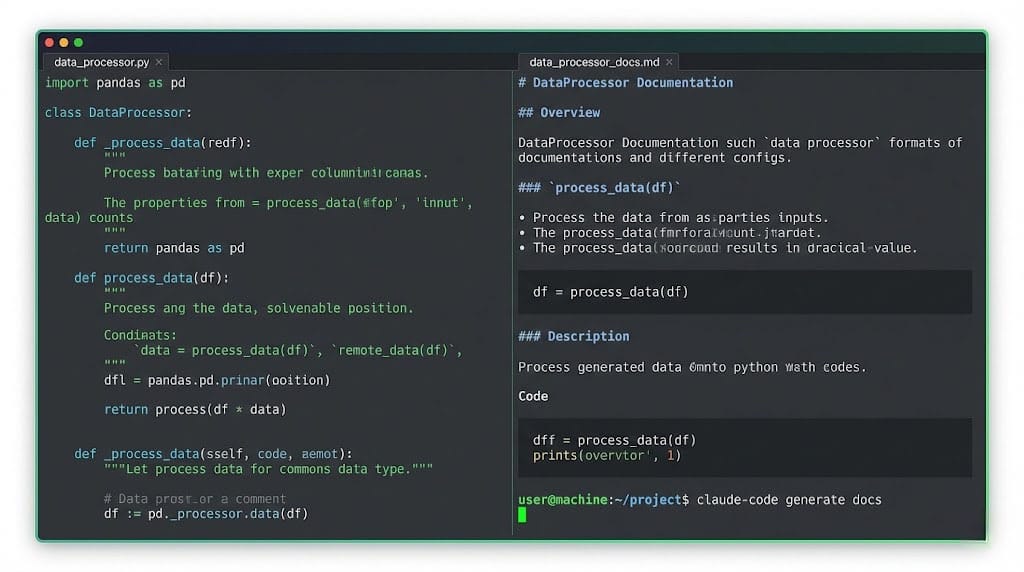
5. Documentation Generation 📝
claude-code "Generate JSDoc cho tất cả functions trong /src/utils"
Tự động tạo documentation dựa trên actual implementation!
🎯 Use Cases thực tế
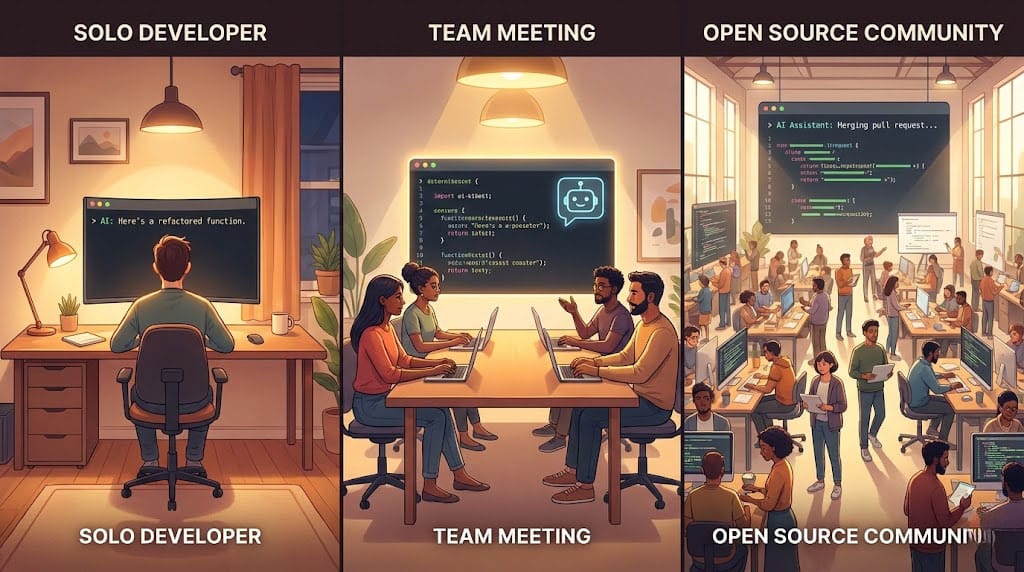
Cho Solo Developers
- Onboarding vào codebase mới - Hỏi Claude-code về bất kỳ phần nào
- Late-night debugging - Có "cộng sự" 24/7
- Learning new frameworks - Áp dụng vào project thực tế
Cho Teams
- Code review assistance - Pre-review trước khi submit PR
- Consistent commit messages - Unified commit format
- Knowledge transfer - Document tribal knowledge
Cho Open Source Contributors
- Quick codebase understanding - Không cần đọc hết docs
- Following contribution guidelines - Auto-format theo standards
- Issue investigation - Trace bugs nhanh chóng
🚀 Bắt đầu với Claude-code
Requirements
- Node.js 18+ hoặc Python 3.10+
- API key từ Anthropic
- Terminal với UTF-8 support
Installation
# NPM
npm install -g @anthropic/claude-code

# Hoặc Homebrew
brew install claude-code

# Verify
claude-code --version
First Setup
# Config API key
claude-code config set api_key YOUR_API_KEY

# Index your project
cd your-project
claude-code init

# Start using
claude-code "Explain the project structure"
Tips để có trải nghiệm tốt nhất
- Be specific: "Fix bug in auth" < "Fix the null check issue in AuthService.validateToken()"
- Use project context: "Following our naming conventions, create..."
- Review changes: Luôn review trước khi accept auto-changes
⚠️ Lưu ý quan trọng
Những gì Claude-code KHÔNG phải
- ❌ Replacement cho developer skills - Nó là tool, không phải magic
- ❌ 100% accurate - Luôn cần human review
- ❌ Free unlimited - API usage có cost
Best Practices
- 🔒 Đừng share API keys - Mỗi người nên có key riêng
- 📝 Review all changes - Đặc biệt với production code
- 🧪 Test after auto-changes - AI có thể miss edge cases
✅ Kết luận
Claude-code đang định nghĩa lại "AI-native developer experience". Không phải là thêm AI vào workflow cũ, mà là xây dựng workflow mới từ đầu với AI là core.
Tóm tắt key points:
| Aspect | Claude-code Advantage |
|---|---|
| Context | Full-repo understanding |
| Integration | Native CLI, no context switch |
| Actions | Direct file edits, Git automation |
| Speed | Instant responses, parallel processing |
Hành động tiếp theo:
- Đăng ký Anthropic API key
- Install Claude-code
- Thử với một project nhỏ trước
📚 Tài liệu tham khảo
Bạn đã thử Claude-code chưa? Share trải nghiệm với mình nhé! 🚀
Discussion